Ciel Phantomhive Model
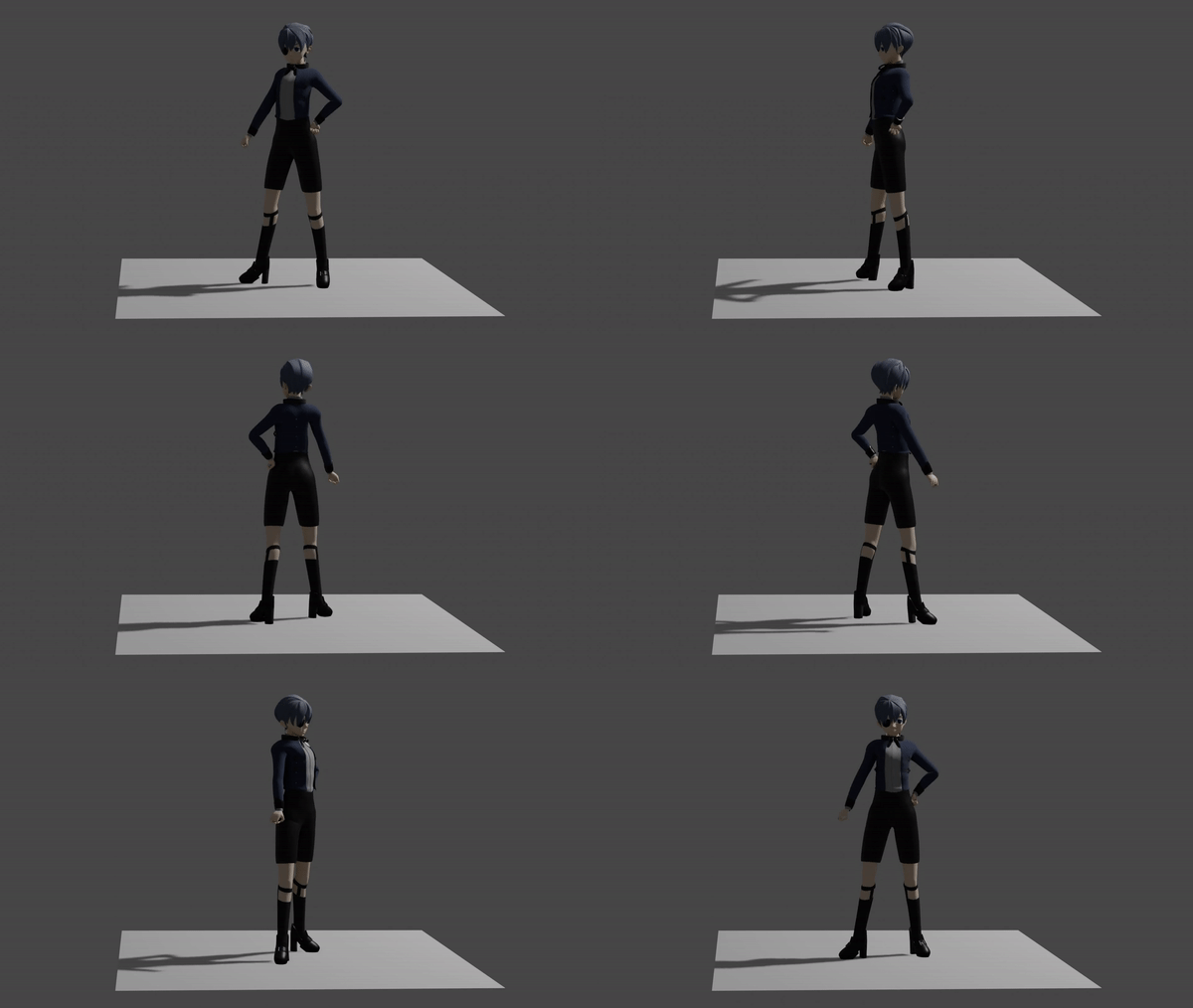
As part of a skills gap in collage, I sculpted, moddeled and rigged a 3D character within Blender.
This was my first time doing most of this, but i had a small bit of experience with Blender before. The character I chose was Ciel Phantomhive from Black Butler by Yana Toboso.
This was done over the course of two weeks following a video tutorial series by Bran Sculpts.
Blocking
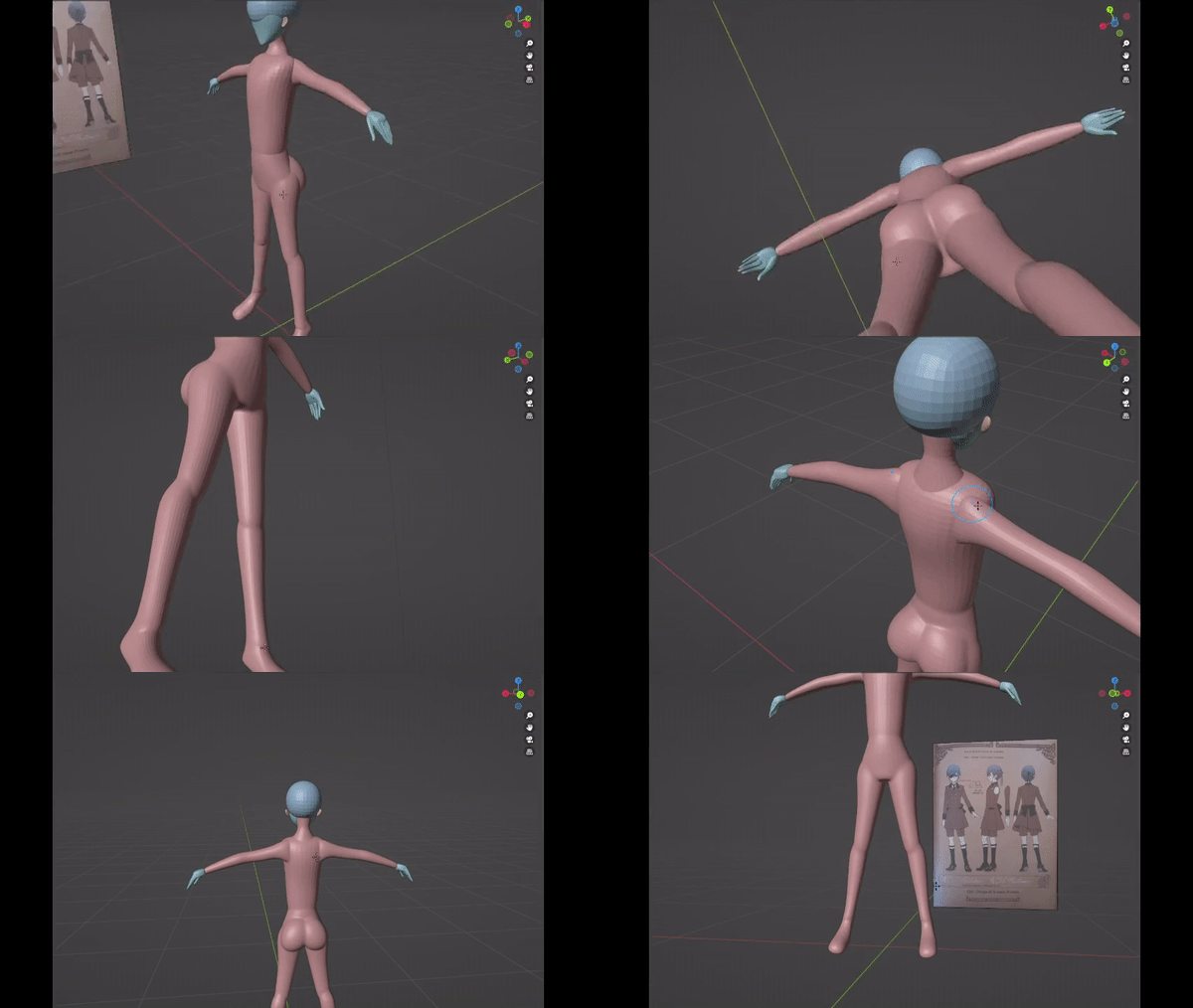
"The first step is to “block out” the basic shape of the character. I am doing this with cubes that have Subdivision modifiers on them."
"This reference sheet is from the making of it's OVA, 'Book of Murder.'"
"they are adjusted against the reference sheet, switching perspectives so that it matches on the front and side view. This process is essentially repeated for the rest of the body."


Sculpting
"I found sculpting is quite simple, and I was able to pick it up quite quickly."
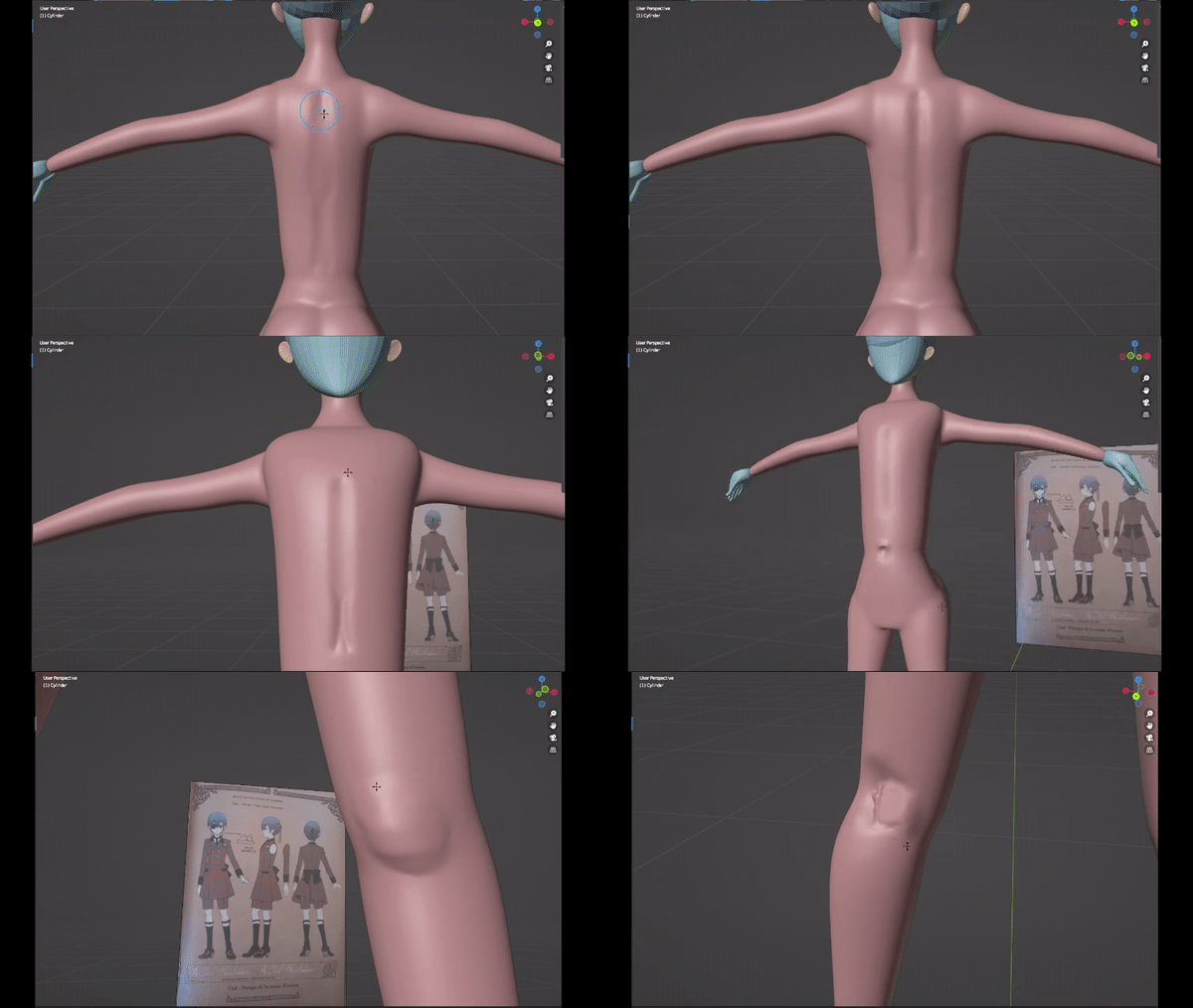
"The basic workflow for each part of the model is just:
Remesh, Smooth, Sculpt out details. (The tools I use are: Draw sharp, inflate, grab, clay strips and smooth.)"
"I faced my first challenge of this skills gap, that being hands. It doesn’t help that my reference doesn’t provide a very good hand reference, but I’m able to work with this."
"If I do this again in the future, I’ll make sure to spend more time blocking out the hand with a good reference. Otherwise, I’d be making much more work for myself."
"Next up is the head and this one is definitely time consuming, but I had quite a bit of fun doing it."
"It starts off the same as the body, by remeshing and smoothing. Though unlike the body I used the reference a lot more."
"This is because I wanted to keep the characters face shape and expressions recognisable to the source." "There are definitely some compromises that had to be made, but I’m confident I did the best I could."
"These eyes are just smoothed spheres with some of the faces on the front, coloured blue."
"The challenge was to have their eye sockets match the expression on the reference."
"This meant moving around eyelids and brow ridges to match the 2d ones."
"This was a challenge, because anime characters realistically have huge bug eyes, so to get them to look natural in 3d is kind of hard."


Retopology
UNDER CONSTRUCTION
Rigging
Hair and Clothes
Materials
Rendering
Da Silva