Catural Disaster
This was a game jam project i worked on with two friends. One did the art, one did the music and lighting and I worked on the programming and UI.
Scripting
This is my first game in which I only used C# for scripting. I'd only used visual scripting in the past so I wanted to further my experience with it.
All 3 of us desined the initial ideas for the gameplay and controls and we settled on controlling the cat with the mouse. Having the mouse be used to make the cat leap and pounce toward it. Originaly we had ideas for normal movement and a double jump or dash, but everyone seemed to like the simplicity of just using the mouse that we ended up just working off of my prototype script.
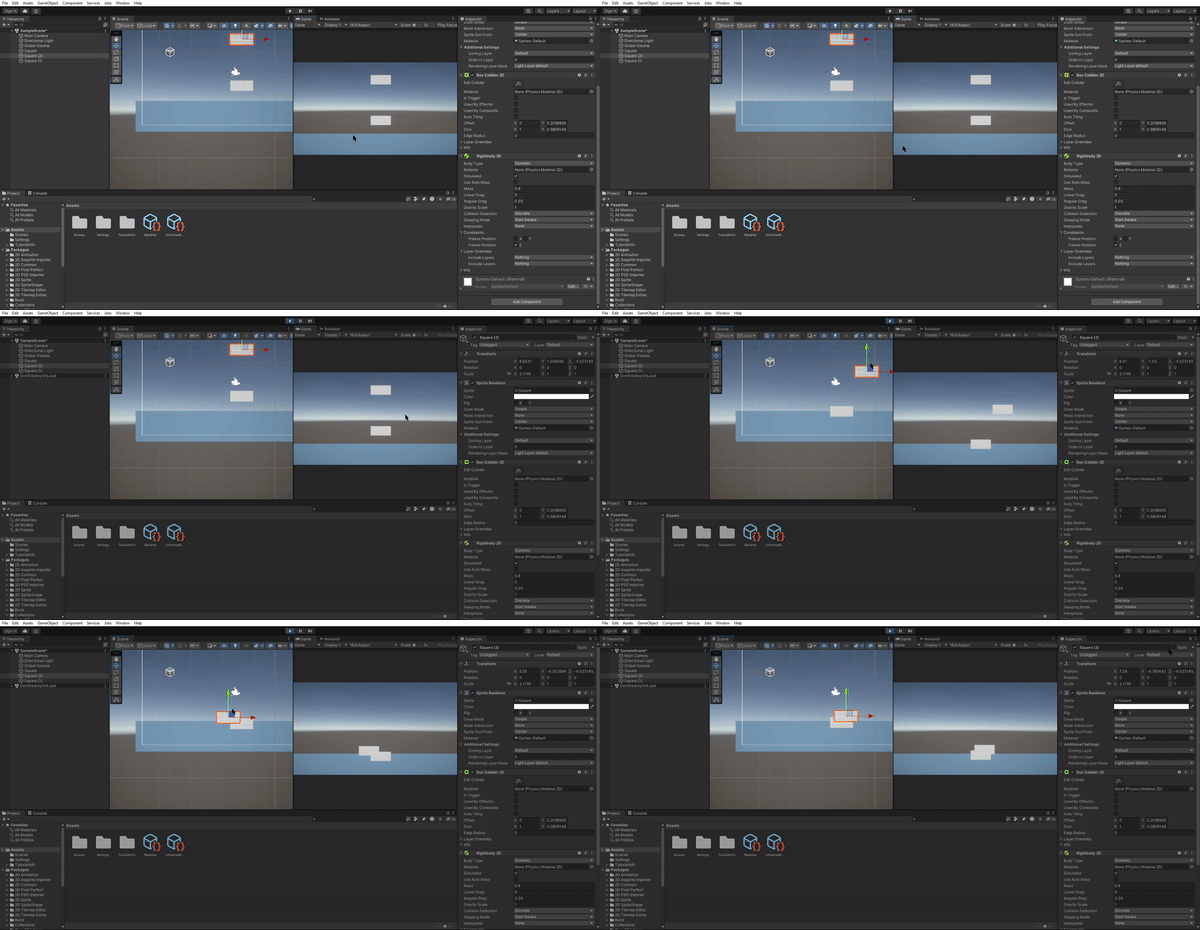
A main part of this game is the rising water, so I made good use of Unity's 2D effectors to create water that you can float on

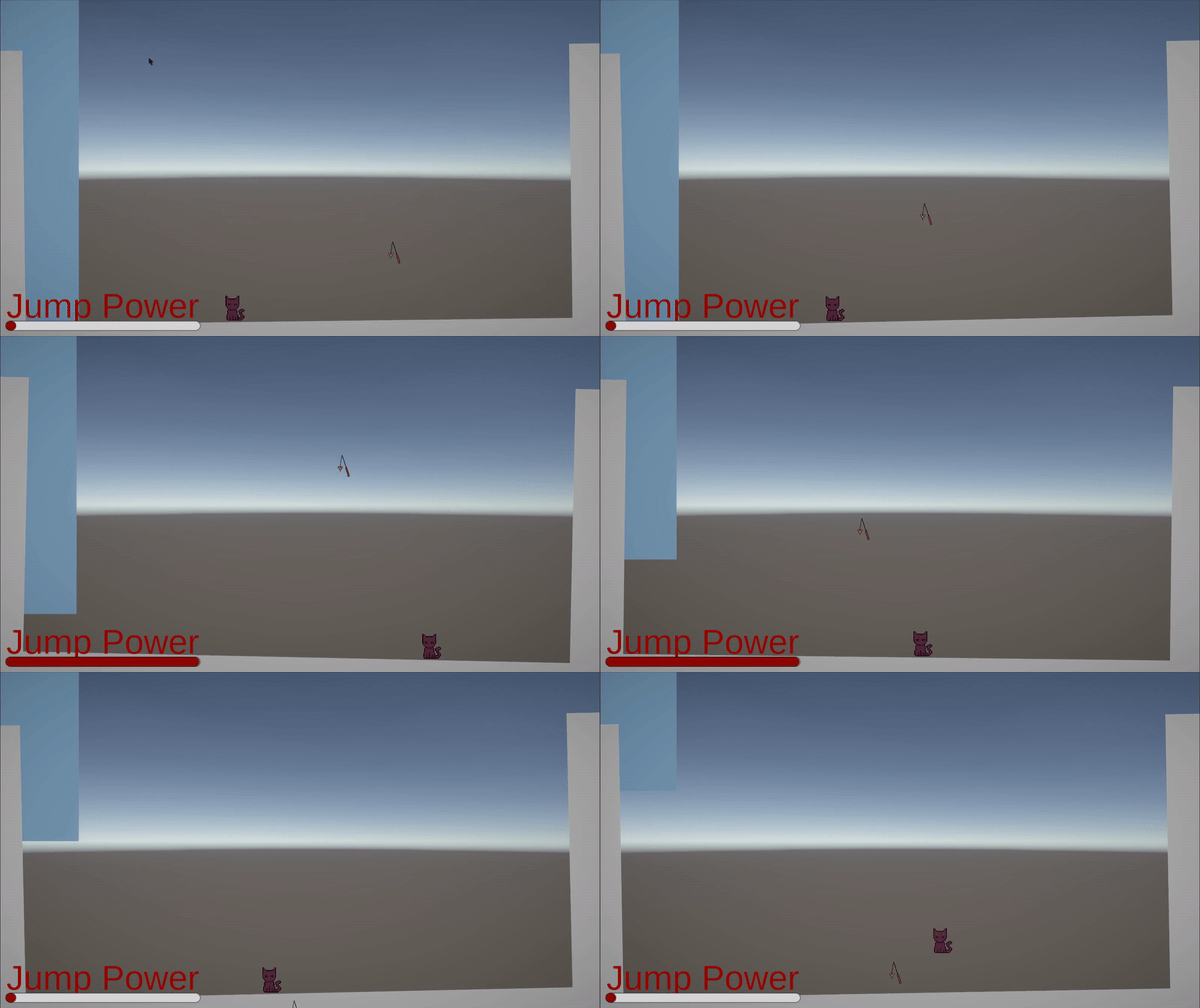
This part of the script controls the jump charge variable. This is to create a jump that can be charged for to jump higher. This variable is also used as part of the UI to give the player a visual representation.

This part of the script finds the mouse position and creates a vector from the player to its location. This is so that I can tell the script the direction for it to apply force.

Here it applies the force, launching the player toward the mouse at the force equivilent to how long the mouse is held. It also flips the player sprite in the right direction and resets the jump charge.

This section does the same thing except with a fast downward movement not using the jump charge. This "Pounce" can be used for extra manoeuvrability, to get down quickly or to change trajectory.

This is for the UI, it changes the opacity of the jump and pounce UI based on whether you can use them or not.
This next part controls collisions and triggers. It plays the correct animation based on what you are standing on, whether you are in water and whether you are attached to a wall or lamp. The wall attachment is simple, it simply makes the rigidbody kinematic in order to keep it in place until the player jumps. The death mechanic is also here, but I'll explain that separately.


Here is the part that detects if the player is in the water. It counts down from a variable for roughly 10 seconds, before the player dies and the game over script is accesed.
.png)
This is a seperate script that creates activates the deathscreen and makes the buttons on it work. The retry just reloads the scene and the quit loads the title screen. (The soundManager part wasn't done by me.)
Here is the UI I put together. The font is a free asset and the art was done by another team member.


I made the jump and pounce UI by reusing the jump and pounce sprites and adding a material to them to create a silhouette. The jump bar is just a Unity UI slider, which has its value controlled by the movement script. They light up when you can jump or pounce and dim when you can't.
.png)
The title screen script and UI is practically copied from the death screen, just tweaked appropriately.
.png)
The credits script simply ends the game after roughly 20 seconds, this being taken from the death timer part of the player script.

.png)
Finally, the cursor script. It detects when the left or right mouse button is pressed down and changes the cursor sprite accordingly. (the cursor is a cat toy.)
Da Silva